Introduction
What is the Next Design AI Toolkit?
The Next Design AI Toolkit is a feature set provided by the AI platform Agentiqs, combining Next Design-specific integration functions and knowledge.
It helps with tasks that are commonly needed when using Next Design, such as profile definition, migration of existing design assets, and extension development, through conversation with AI agents.
The Next Design AI Toolkit consists of the following three elements:
| Element | Overview |
|---|---|
| Next Design MCP | An integration layer that allows AI agents to reference, edit, and validate a running Next Design project. |
| Import Existing Design Assets skill | Converts existing design documents such as Word, Excel, and PDF files into a Next Design model from chat instructions. |
| Next Design Extension Development skill | Helps with extension design, code generation, and modification for Next Design extensions such as API integrations and automation features. |
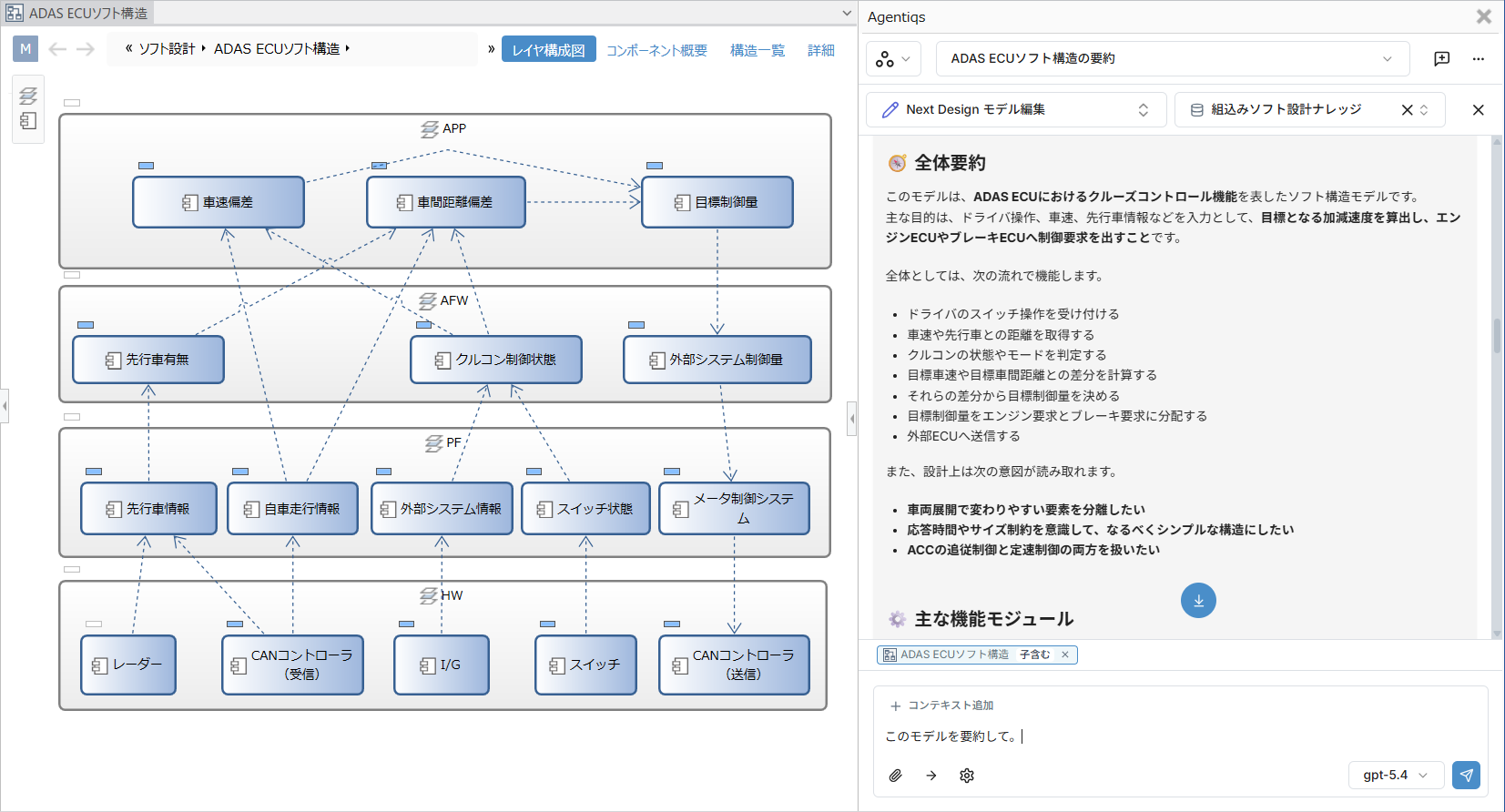
Key point of use: role sharing between AI, logic, and the user
The Next Design AI Toolkit does not try to complete everything by AI alone.
It works by combining AI interpretation, mechanical validation by logic, and final judgment by the user.
| Role | Responsibility |
|---|---|
| AI | Interprets content from design documents and creates the foundation for models and code |
| Logic (program) | Performs rule-based checks mechanically, such as completeness reports |
| User | Makes the final decision based on business knowledge and design intent |
Because of this, final confirmation by the user is required when using each feature.
For concrete confirmation steps, see the "Notes" section on each page.
Related files
Installing Agentiqs places the following files:
| File | Storage location | Macro definition |
|---|---|---|
| MCP | %LOCALAPPDATA%\DENSO CREATE\Agentiqs\app\mcp | ${app:mcpDir} |
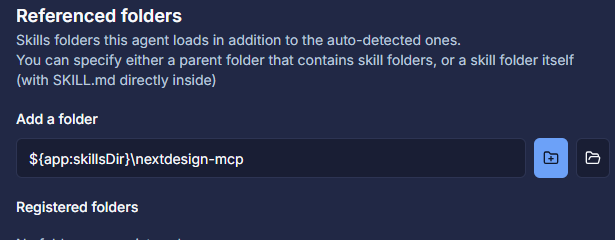
| Skills | %LOCALAPPDATA%\DENSO CREATE\Agentiqs\app\skills | ${app:skillsDir} |
When using these from Agentiqs, refer to the folders above.
Agentiqs requires you to specify an absolute path, but it does not recognize %LOCALAPPDATA%.
Use the macro definitions below to identify the target, and configure them using the macro definition.
When Agentiqs is upgraded, the contents of these folders are updated, so any files you add yourself may be overwritten or deleted.