Tools
Next Design
Agentiqs cannot integrate with Next Design
The following problems may occur when attempting to integrate Next Design with Agentiqs.
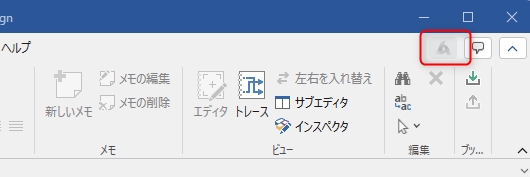
- The Agentiqs pane is grayed out and cannot be clicked.
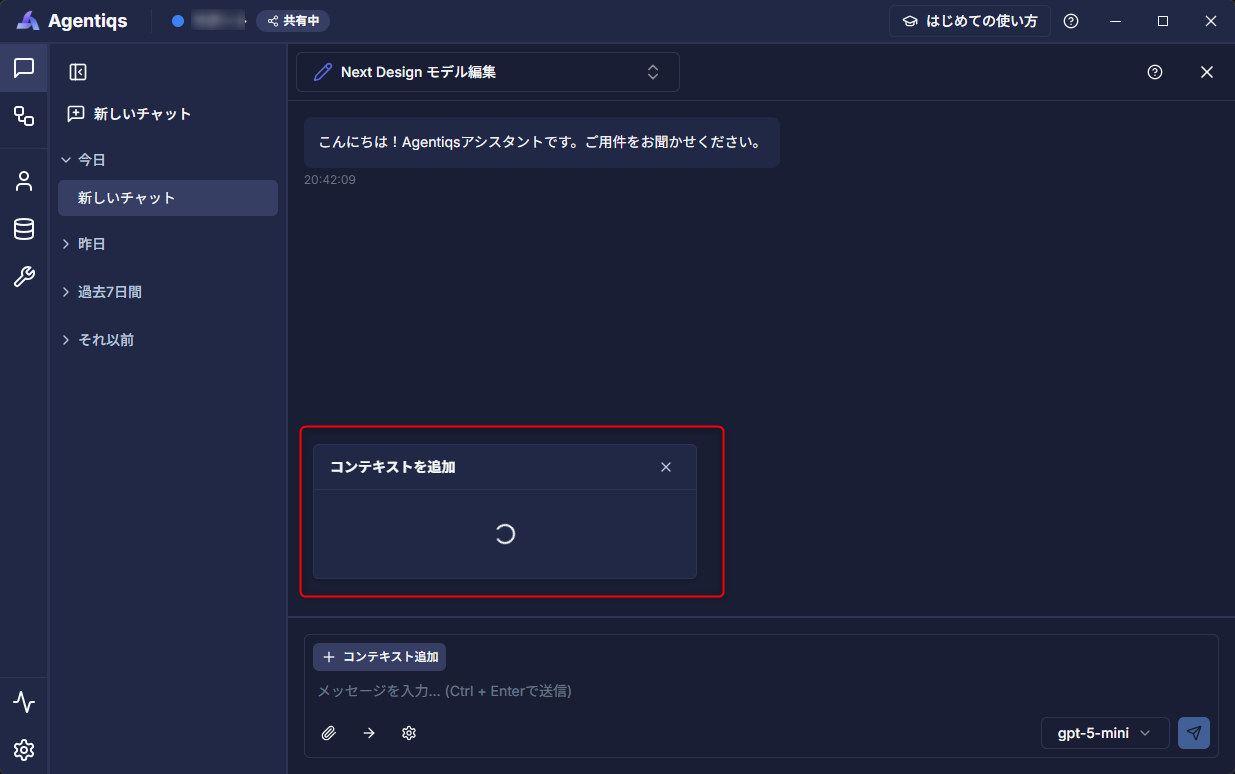
- Content added as context in Agentiqs is not displayed.
Check the following.
| No. | Cause | Resolution |
|---|---|---|
| 1 | The Next Design version is not a supported version (). For supported versions, see System Requirements - Supported Integration Tool Versions. | Upgrade to a supported version. |
| 2 | NDInterop is not installed. | Install NDInterop. |
| 3 | The content source is not configured. | See Configure the content source. |
Configure the Next Design content source
Manually add the source to the content as follows.
Procedure
- From the Next Design [File] menu, select [Options] - [Content Sources] - [Settings].
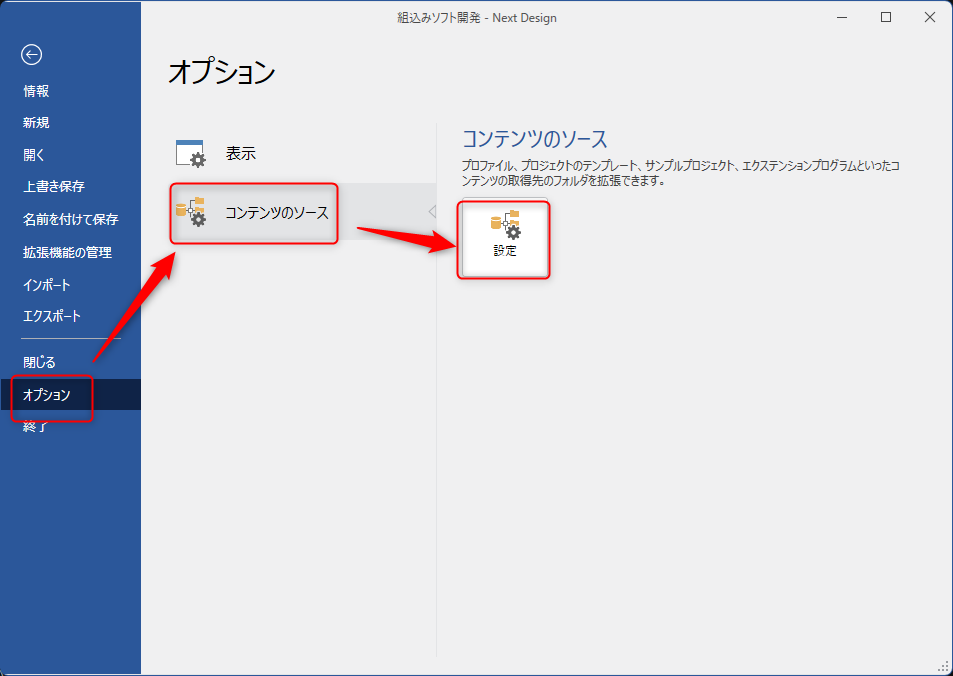
- Open the content source settings dialog.
- Register the following path as new content.
%LOCALAPPDATA%\DENSO CREATE\Agentiqs\app\server\tools\windows\Next Design - Restart Next Design.